Friday, 6 June 2014

ICT PROJECTS

We are at the end of the course and we have worked hard this year. 
We have done exercises with the computer and 
we have done an ICT project too.

Each grade has its own project. 
It's been fun ... 

Look at the projects by grades
Some of them are still under construction


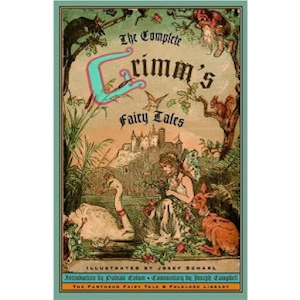
  1. Grimm's fairy tales
  2. Inventions
  3. Around the world in 80 days
  4. Industrial colonies
  5. Let's explore the universe
  6. Leonardo da Vinci

Click on the pictures to link the projects


Monday, 31 March 2014

Monday, 24 March 2014

6th grade: Leonado's Mind Map


Home


The simple way to create mind maps online

Mind maps are a great way of organizing your thoughts. To encourage the use of mind mapping, Text 2 Mind Map has provided a free and simple mind mapping tool online since 2008. 

How does it work?

The easiest way to learn Text2MindMap is to play with it. Write some text in the text area, use the TAB key to indent text lines, and click the "Draw Mind Map"-button to see what happens. Each text line in the text area will become a separate node in the mind map. Indenting the text (using the TAB key) starts a new branch of nodes in the mind map. Also, have a look at the Options to style your mind map.